

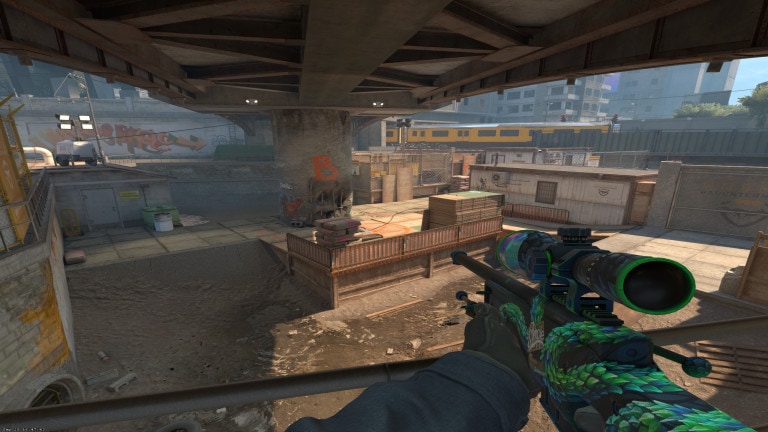
Hiya Counter-Strike 2 (CS2) fans, do you wanna know if the stretched resolution is still good in the game? Well, we’re here to answer this query specifically. We’re gonna do a deep dive into how the resolution impacts the gameplay experience in Counter-Strike 2 (CS2). We’re first gonna look at just what the heck is a stretched resolution anyway. That way, the non-technical players can also understand.
Once we’re through with our explanation, you’ll have a pretty good idea about the resolution quirk of Counter-Strike 2 (CS2). Well, let’s not waste another second and get right to it. Here we go!
What is Stretched Resolution?
So, let’s define stretched resolution in Counter-Strike 2 (CS2). Basically, you got two options for picture size on your monitor, 16:9 and 4:3. So, when you intentionally pick 4:3 ratio size for the game’s visual output but stretch it out to a 16:9 display, that’s called stretched resolution. Capeesh?
What stretched resolution in Counter-Strike 2 (CS2) does for the gameplay is nothing drastic. In fact, you’ll notice the graphics will see a downgrade of sorts. Incidentally, we’ve got a fantastic piece about comparing the graphics of CS: GO and CS2.
Why Do Players Use Stretched Resolution In Counter-Strike 2 (CS2)?
Now, you might be wondering, what’s the point of stretching the image out to 16:9 display when you can select it from the start. Good question! Let’s find out why stretched resolution in Counter-Strike 2 (CS2) is such a popular preference for many players, including some pros.
The main reason players prefer the stretched resolution in CS2 is because of it makes the other player’s models seem wider. Meaning you get more room to shoot at targets and a slight chance of hitting them. It’s nothing major, but any little edge you can get is a plus. So that’s the reason for all the hub-hub around stretched resolution.
Are There Any Drawbacks?
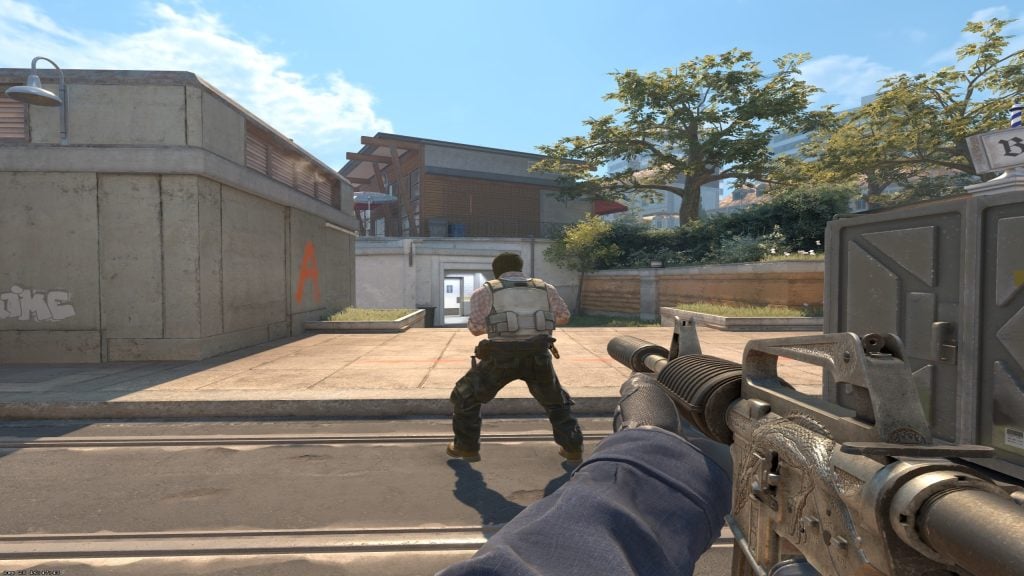
Let’s put it this way, if you’re using the stretched resolution in Counter-Strike 2 (CS2), movement can feel wonky. Plus, there’s the added disadvantage of having a sort of blindspot on your screen. Sometimes enemies can appear out of left field which you could have seen if the resolution wasn’t stretched. So, it’s a double-edged sword, really.
Thankfully, there is no ban on using the stretched resolution in competitive modes and tournaments. So you’re free to tweak and tinker around with the settings and see what suits your playstyle.
Final Thoughts on Stretched Resolution in Counter-Strike 2 (CS2)
Well, that’s about it for today, we hope our simple yet concise explanation for Counter-Strike 2 (CS2) stretched resolution is helpful. Let us know if that is the case in the comments below. If you’ve got questions about the settings, we’ll be happy to walk you through any issues you might be facing.
In the meantime, take a gander at our piece discussing if all weapons in CS2 are the same. Welp, that’s gonna do it for now, we’re off to play some Counter-Strike 2 (CS2). Until next time, take care and happy gaming y’all!


